To download the tOSh Operating System, you can do so from the Resources section of this site.
Parts
This series of articles has the following parts:
- Part I - Bootloader
- Part II - Stage 1
- Part III - Jumping to C
- Part IV - Interrupts
- Part V - File System and Floppy Drive Driver
- Part VI - Booting on different types of machines <— You’re here
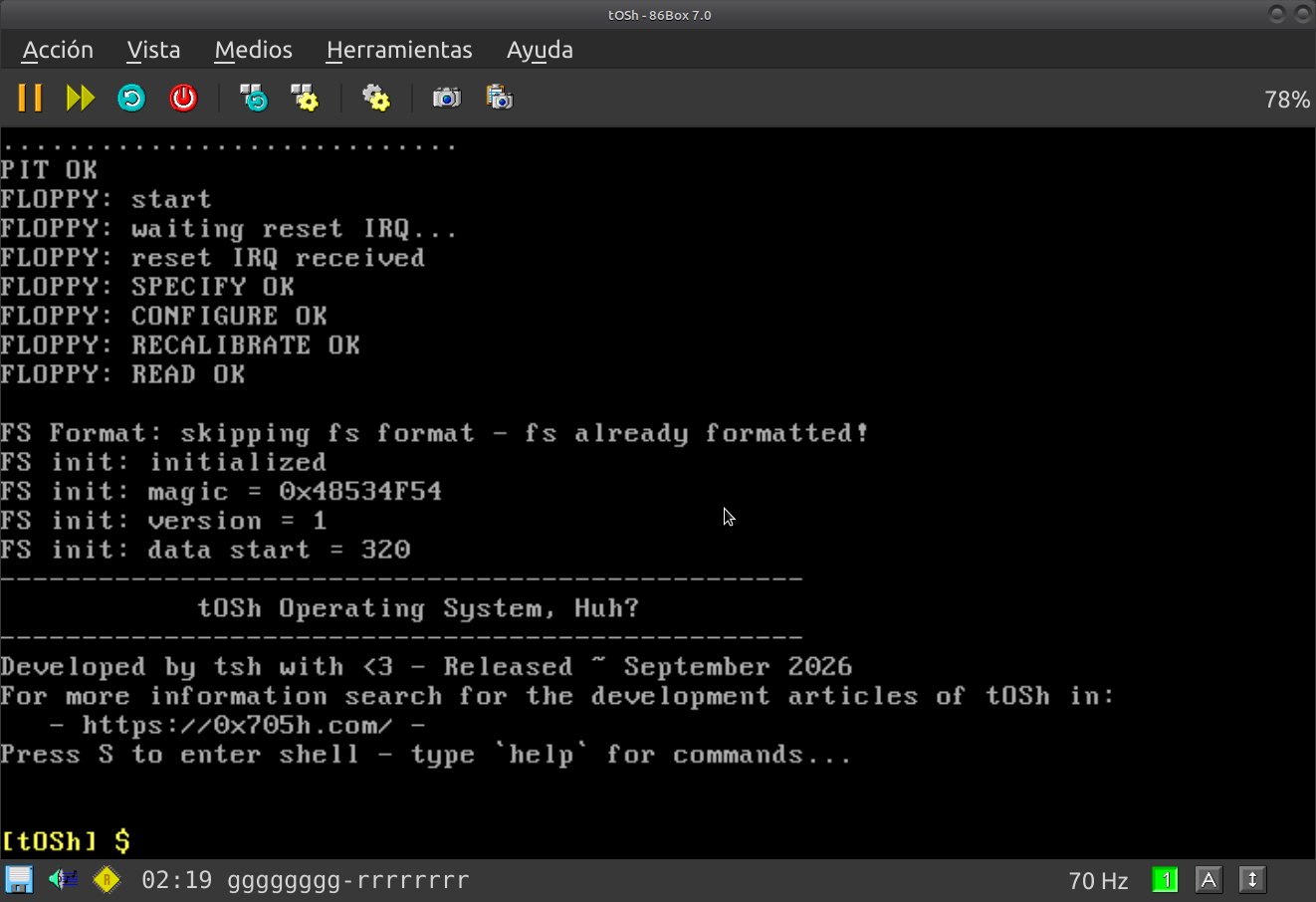 _tOSh running in 86Box_
tOSh 2026.09 Release
This month (September, 2026) I managed to get the operating system to boot and run consistently on real hardware and emulators.
Thanks to friends for lending me hardware to test it on all kinds of machines.
The floppy drive fails on very old machines, like XTs and 286s, which is expected, because I switch to [Protected Mode] almost immediately, but on some 386+ machines the floppy drive sometimes fails to finish reading files and eventually crashes, as reported by the Kernel, which isn’t really that bad.
During testing, I got some suggestions that I could perhaps fall back to the BIOS and build a wrapper, but no, I don’t think I’m going that far.
At least for now.
On the other hand, loading tOSh.img into all kinds of emulators is a very easy task and even fun.
Just download the floppy image from Resources and mount it in the emulator you like.
If you want to run tOSh.img on real hardware, you’ll have to transfer the image to a hard drive on the hardware you’re using and use something like RAWrite, keeping in mind that it is a 1.44MB image for 3 1/2" floppy disks.
I also left the source code for the latest version in Resources.
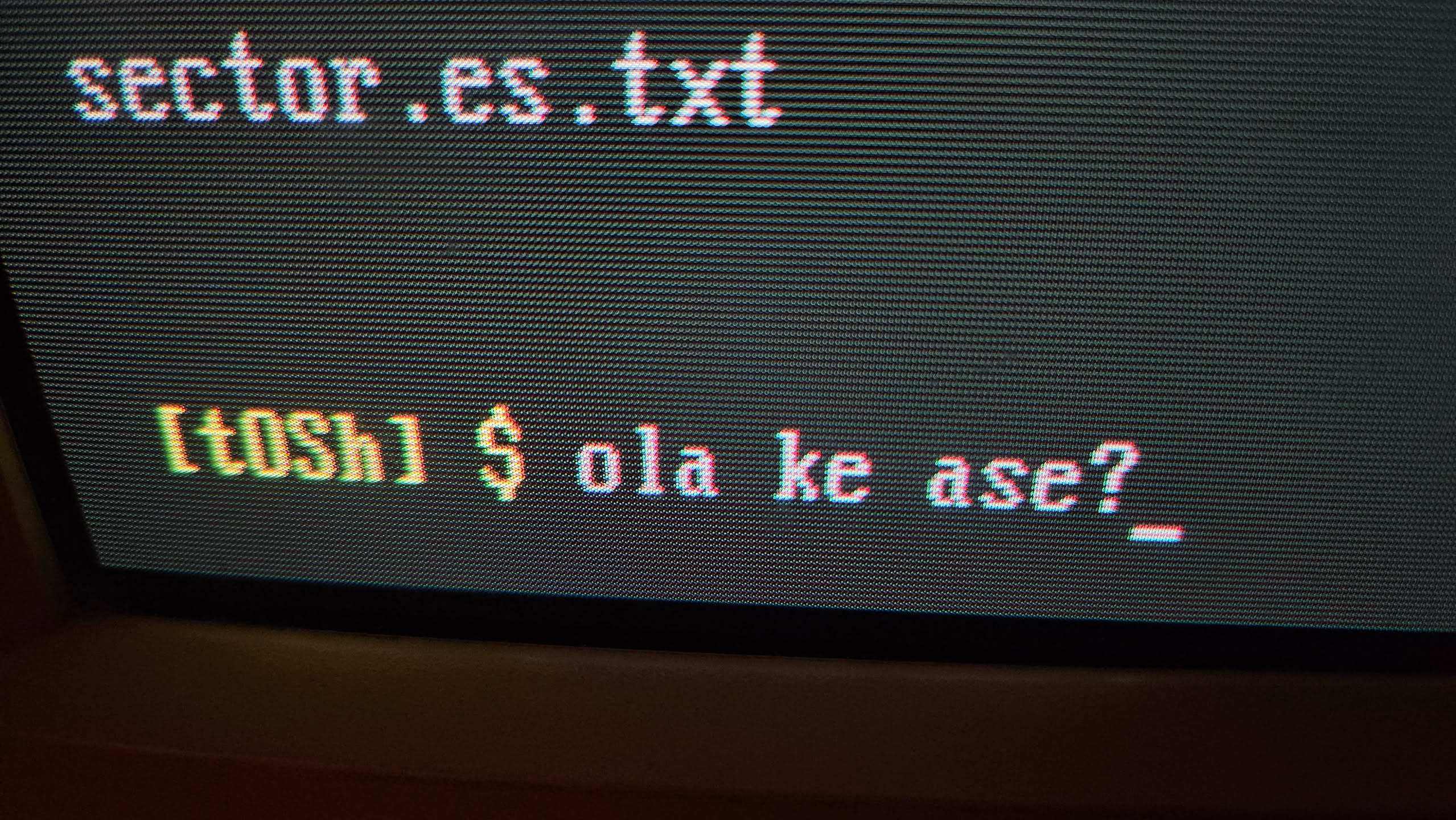 _tOSh waving at the camera_
If I ever continue with this project, I’m not going to provide any more support for old computers. Instead, I’ll jump directly to Long Mode, enable a modern video mode, configure multiple CPUs, unlock everything the Intel architecture has to offer, and rewrite everything that is incomplete in tOSh.